Key Takeaways
- Most iPhone 15 issues are software-related or due to normal wear
- Battery health below 80% often requires replacement
- Persistent overheating or camera failures may indicate hardware damage
- Early diagnosis saves money and prevents bigger repairs
- Repairing is usually more cost-effective than upgrading
1. iPhone 15 Battery Draining Too Fast
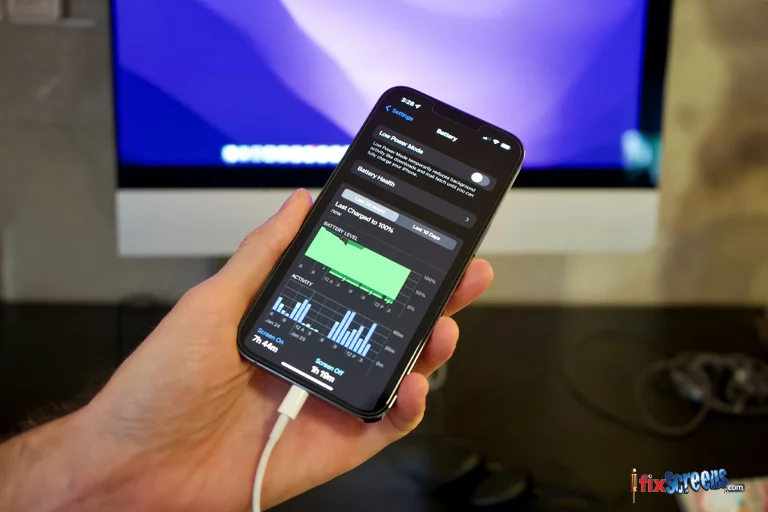
Fast battery drain is one of the most common complaints, especially after long-term use or software updates.
This usually happens because of:
- Background apps running continuously
- High screen brightness
- Location services are always enabled
- Aging battery health
How to fix it:
- Turn off Background App Refresh for unused apps
- Lower screen brightness or enable Auto-Brightness
- Check Battery Health in Settings
If battery health is below 80%, a battery replacement is often the most effective and affordable solution to restore normal battery life.
2. iPhone 15 Overheating During Regular Use
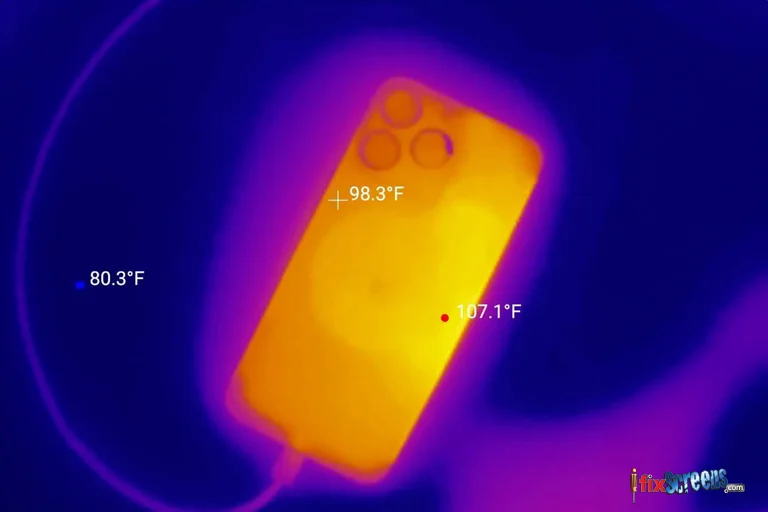
It’s normal for an iPhone to feel warm during gaming or video calls, but constant overheating during basic tasks is not.
Common causes include:
- Heavy apps running in the background
- High ambient temperatures
- Thick or poorly ventilated cases
How to fix it:
- Remove the phone case temporarily
- Close unused apps
- Avoid charging while using heavy apps
If overheating continues during light use, a hardware check is recommended to prevent long-term damage to internal components.
3. Camera App Not Working or Showing a Black Screen
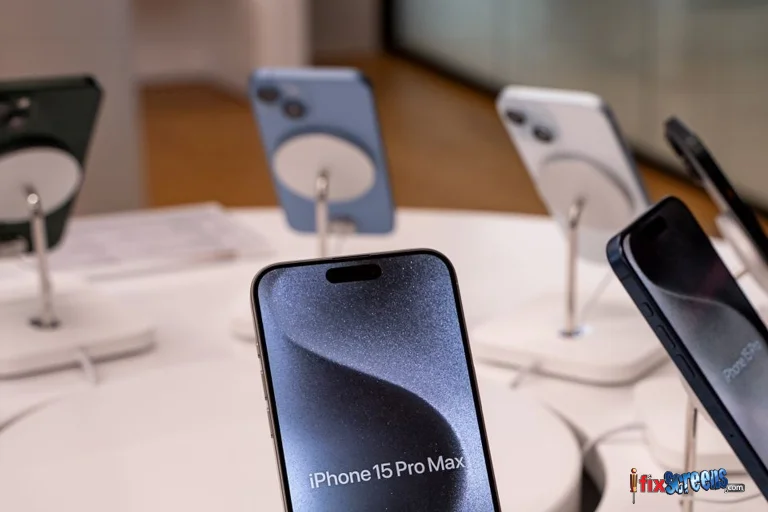
Camera issues can appear suddenly - the app opens, but the screen stays black or freezes.
How to fix it:
- Force close and reopen the Camera app
- Restart the iPhone
- Update iOS to the latest version
If none of these steps work, the camera module or internal connection may be faulty. In such cases, a professional iPhone camera repair can determine whether repair or replacement is needed.
4. iPhone 15 Lagging or Freezing
Performance slowdowns are common when storage is almost full or after major iOS updates.
You may notice:
- Apps opening slowly
- Delayed touch response
- Random freezing
How to fix it:
- Free up storage by deleting unused apps and files
- Restart the device regularly
- Keep iOS updated
If the phone continues to lag, a diagnostic check can help identify deeper software or hardware issues.
5. Wi-Fi or Bluetooth Connectivity Issues
Performance slowdowns are common when storage is almost full or after major iOS updates.
You may notice:
- Apps opening slowly
- Delayed touch response
- Random freezing
How to fix it:
- Free up storage by deleting unused apps and files
- Restart the device regularly
- Keep iOS updated
If the phone continues to lag, a diagnostic check can help identify deeper software or hardware issues.
When iPhone 15 Problems Need Professional Repair
Basic troubleshooting works for many issues, but professional repair is recommended if:
- Battery drains rapidly despite optimization
- Overheating happens during light usage
- Camera problems don’t resolve after resets
- Connectivity issues persist consistently
Early repairs can prevent further damage and extend the life of your iPhone.
Final Thoughts
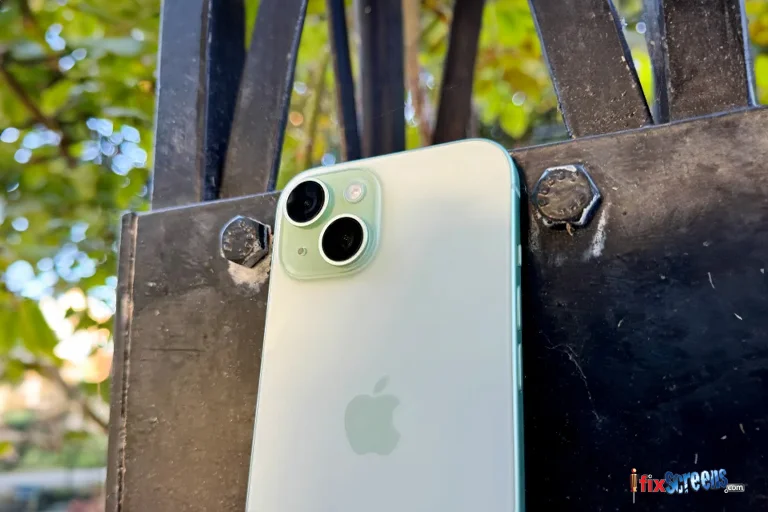
The iPhone 15 still holds its own in 2026. Most of the glitches people see these days are actually easy fixes you can handle at home. Taking a few minutes to troubleshoot now keeps your phone snappy and saves you the cost of an unnecessary upgrade.
If troubleshooting doesn’t resolve your iPhone 15 issues, visiting a local iFixScreens store can save you time and prevent further damage. iFixScreens offers professional iPhone 15 repair services, including battery replacement, camera repair, overheating diagnostics, and Wi-Fi or Bluetooth antenna fixes. With certified technicians, high-quality replacement parts, and fast turnaround times, most repairs are completed the same day. Choosing a trusted local repair store ensures your iPhone 15 gets expert care without the high cost of device replacement.
- Unleash Lightning-Fast Charging: How To Charge Your iPhone Faster
- How To Transfer WhatsApp Data From Android To iPhone
- iPhone 15 Vs. iPhone 14 - What's The Big Difference?